Video Annotation Services
Video Annotation involves training your computer vision models to identify objects through labeling and tagging. To recognize objects in videos, each frame of the video needs to be annotated. The number of frames that require annotation will depend on the length of the video and frame rate. Coral Mountain Data offers contextual video annotation as per algorithms and applications.

Core Capabilities
Advanced technology built for enterprise scale.
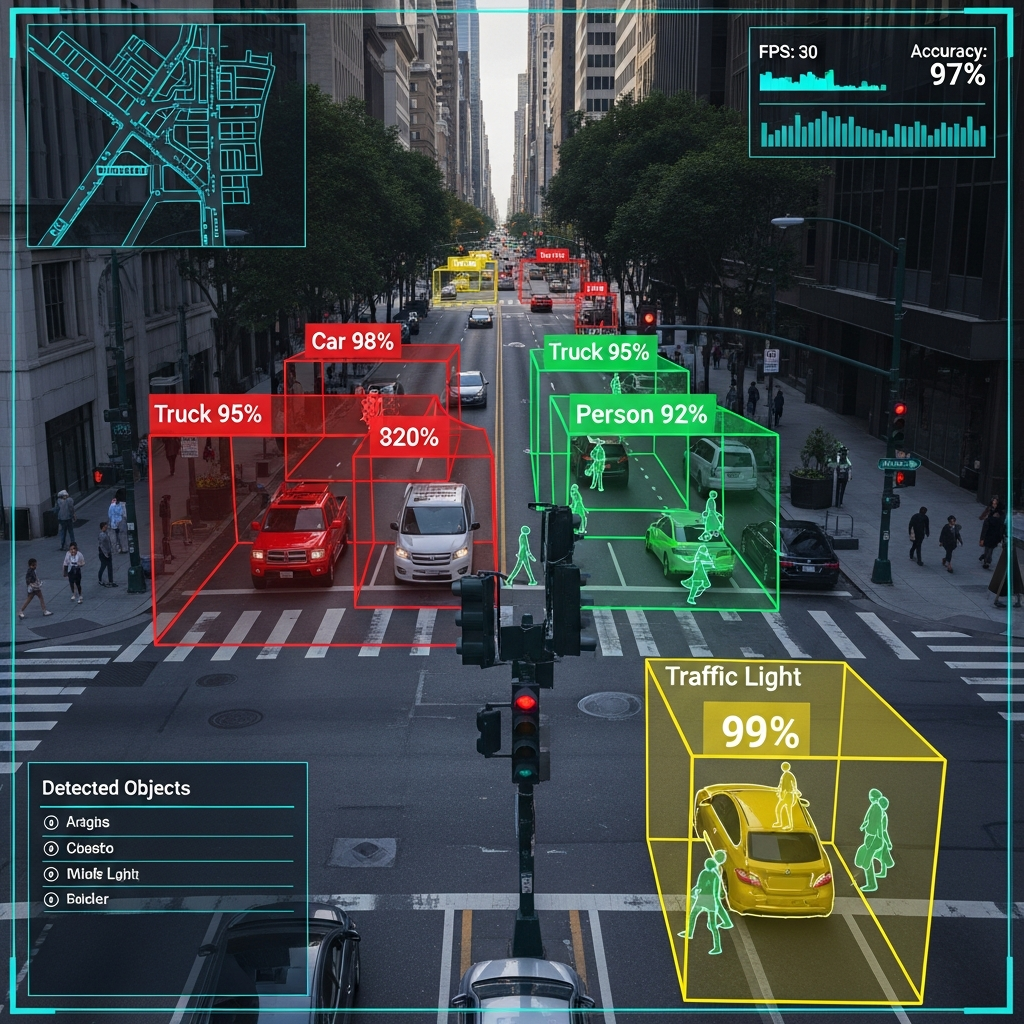
2D Bounding Boxes
A 2D bounding box indicates where an object is located in a video frame by drawing rectangular areas over the object. In video annotation, they are used to identify and track objects within a frame.
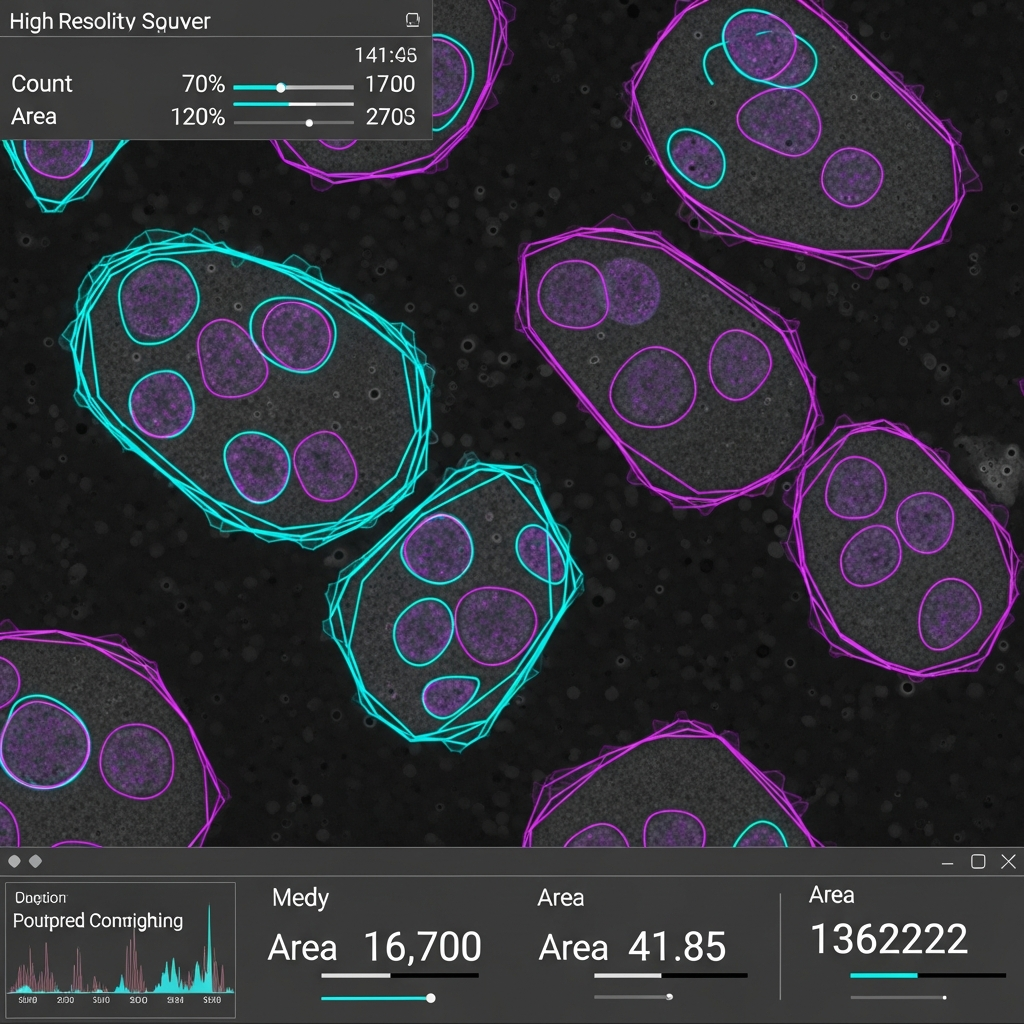
3D Cuboid Annotation
3D cuboid annotation is a type of annotation used for labeling objects in videos. It involves identifying objects in a video frame and then drawing a bounding box around them to indicate their location in the frame.

3D Point Cloud Annotation
3D point cloud annotation is a type of video annotation technique used to annotate 3D data points in videos. It is used to label objects in video frames and track them over time to analyze 3D scenes and identify motion patterns.

Landmark Annotation
Annotating landmarks involve assigning labels to a specific feature in a video. Examples include buildings, monuments, rivers, mountains, and trees. The annotations can also contain movement patterns such as direction and speed.

Lines & Splines
Identifying the start and end points of lines, the curvature of splines, or any other feature seen in the video. This annotation can be used to track changes in direction, speed, and shape over time.
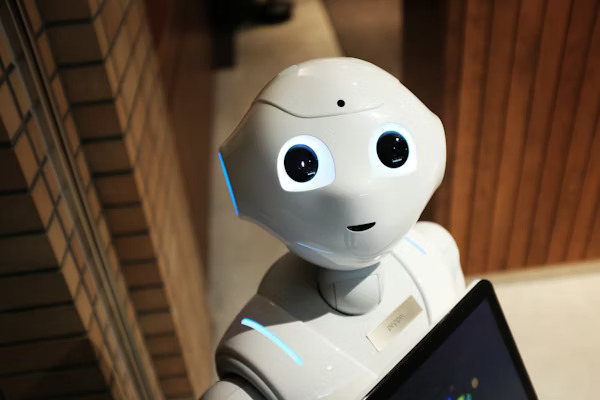
Polygons Annotation
The purpose of polygon annotation is to draw polygons around objects of interest in a video. This is done by drawing the precise boundaries of objects such as vehicles, people, and buildings.

Events Classification
The process of manually adding relevant labels or tags to video clips that are related to a particular event or class. The process is performed by manually creating bounding boxes around objects in a video frame and labeling them.

Event Tracking
The datasets built upon video annotation can be used to create an event-tracking system that provides valuable insights into user behavior, such as how often people visit a certain location or how frequently a certain type of event occurs
Proven Applications
See how industry leaders are leveraging our solutions in production environments.
Discuss Your Use Case
Automobile Automation
Providing the automobile industry with well-annotated AI training data to facilitate quick deployment of AI in vehicles for autonomous driving.
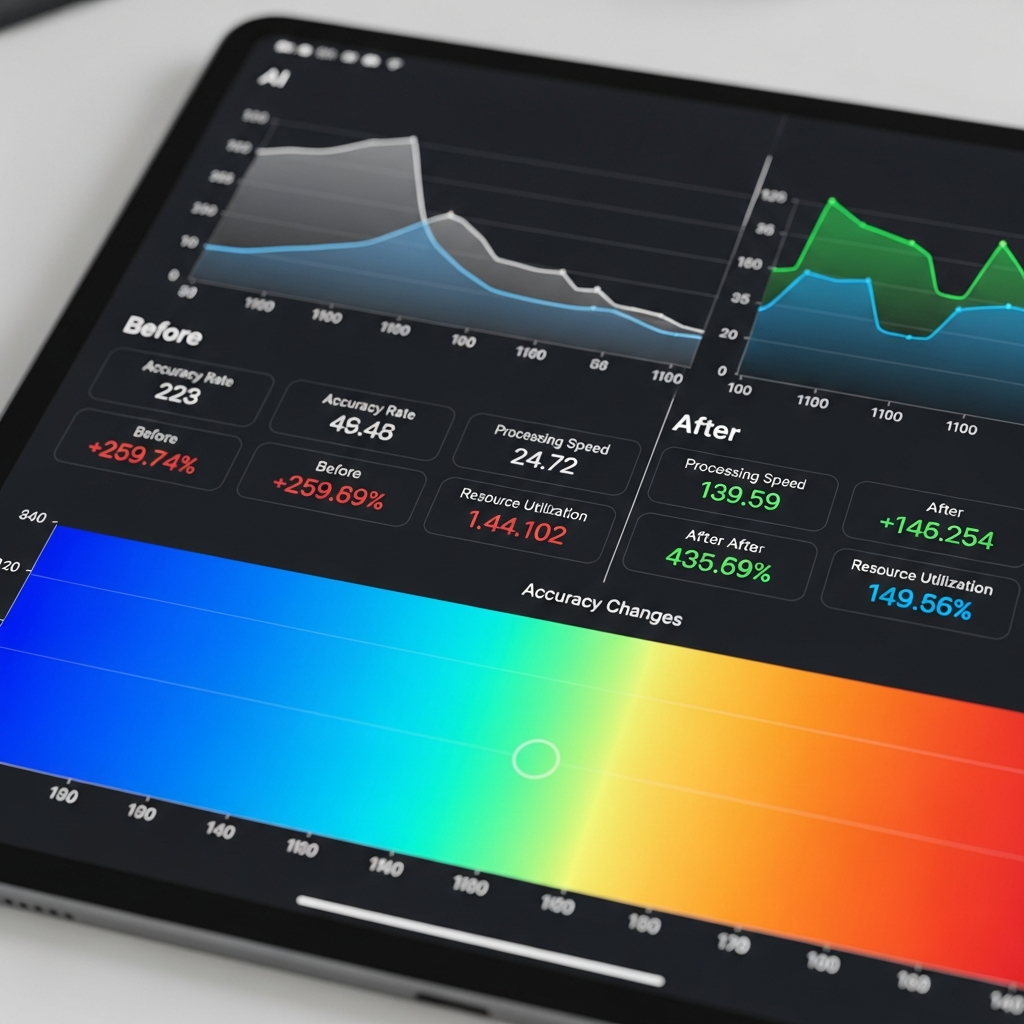
Medical AI
Utilize video annotation techniques to automate processes and procedures with AI and ML integration for rapid and error-free disease identification and treatment with computer vision.
Sports & Games
With the proper implementation of AI with our annotated training data, sportspersons and managers can analyze and forge plan of action to maximize their overall strength and enhance performance.
Security & Surveillance
Enabling AI to accurately detect objects such as humans, vehicles, animals, and real-estate properties by utilizing training data.
Manufacturing
Manufacturers can make use of our high-quality AI training data for AI integration which facilitates rapid workflow and accurate decision-making.
Media & News
Integration of our training data with AI enhances the quality of reporting, converting audio and video interviews, and other news materials in the news & media industry.